FutureForgeFutureForge

FutureForge services

  • Product developmentFrom problem to a product that works in the real world.
  • Full-stack developmentBuild frontend, API, and data as one product.
  • Engineering auditBefore you spend more, know the real state of the system.
  • Architecture consultingClarify the path before an expensive technical decision.
  • Infrastructure & deploymentDeploy the product so it stays reliable after launch.
  • AI in productWe do not add AI for show — we add it to solve a problem.
WorkNotesPricingAbout
Start a conversation
  1. Home
  2. /Notes
FutureForge

Product engineering studio — design, build, and deploy software.

Services

WordPress websitesCustom developmentProduct engineeringInfrastructure & deploymentArchitecture consultingAI in product

How to choose

NotesPricingEstimate project costCompare approachesPortfolioAboutContact

Contact

hello@futureforge.ir

Have something to build?

Share what you need and we will talk through the development path and next step.

Start a conversation

© 2026 FutureForge. All rights reserved.

PrivacyTerms of use
HomeWorkStartContact

Studio notes

Notes

Writing on product planning, architecture, and what it takes to run software in a live environment — from delivery, not slogans.

Filtered byOperations
Sep 20, 2026
Sep 20, 2026
Sep 20, 2026
Sep 20, 2026
Sep 20, 2026

If you are unsure about architecture or the build path, we can talk about the project.

Describe the problem and the constraints. If there is a fit, we will schedule a conversation.

Operations

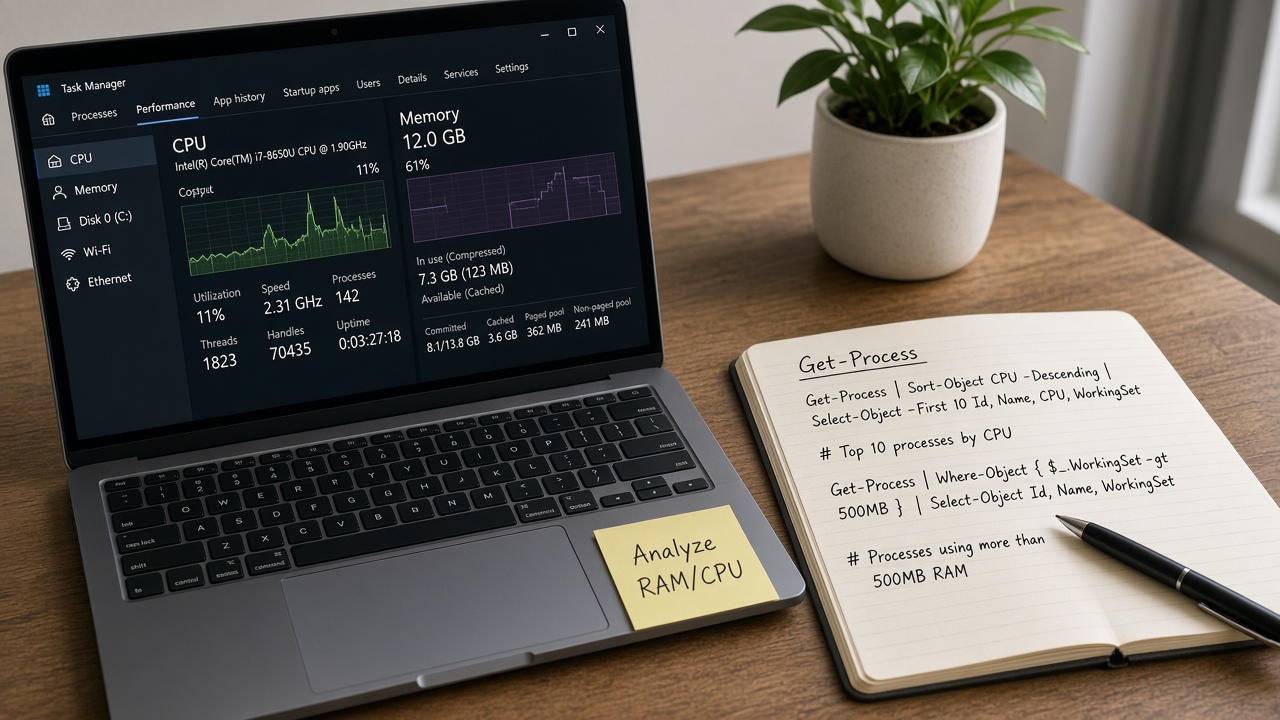
چطور RAM و CPU را در ویندوز تحلیل کنیم؟

روش عملی خواندن مصرف پردازنده و حافظه در ویندوز با Task Manager، Resource Monitor، Get-Process و Performance Monitor.

SESoheil EbrahimpourSep 20, 2026

Operations

نکات کاربردی ویندوز برای توسعه‌دهندگان

مجموعه نکات عملی ویندوز برای توسعه‌دهنده: Terminal، PowerShell، PATH، پورت، WSL و عادت‌های روزمره.

SESoheil EbrahimpourSep 20, 2026
Operations

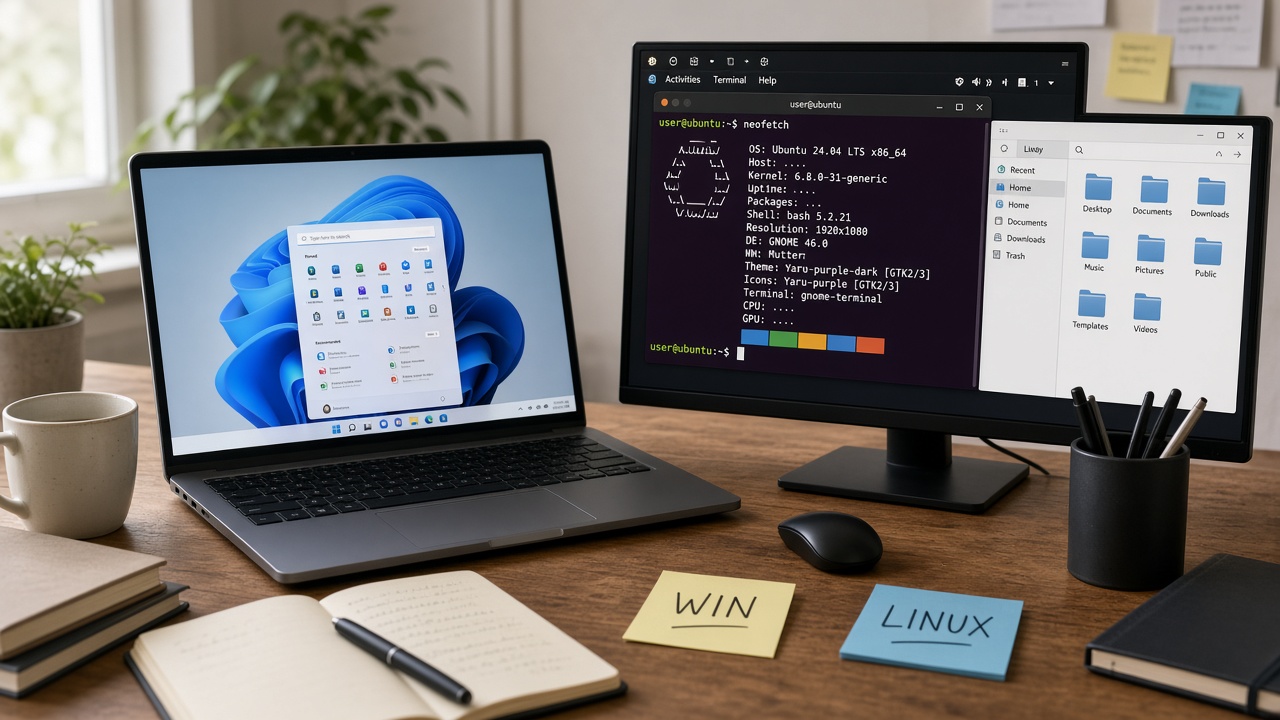
ویندوز یا لینوکس برای توسعه‌دهنده؟ مقایسه بر اساس معیار

مقایسه ویندوز و لینوکس برای توسعه بر اساس پشته، تیم، ابزار، استقرار و محدودیت‌ها — بدون ادعای بهترین سیستم‌عامل.

SESoheil EbrahimpourSep 20, 2026
Operations

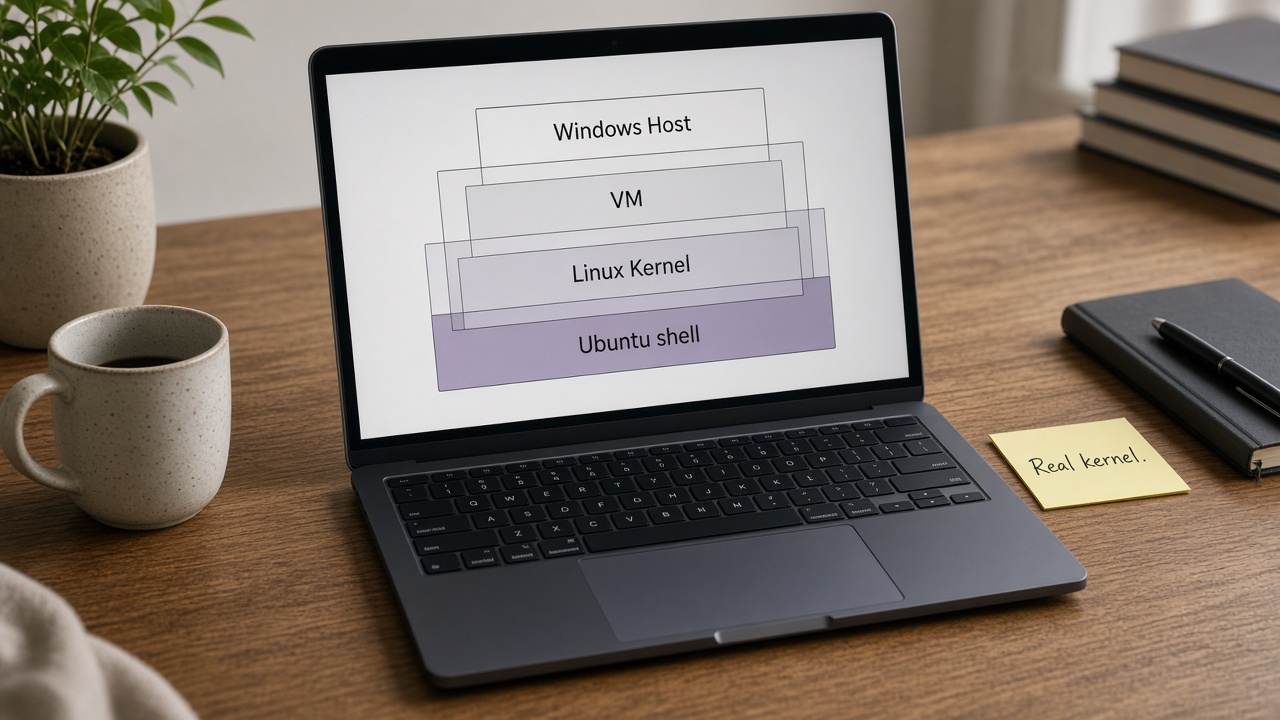
WSL2 چگونه لینوکس را اجرا می‌کند؟

توضیح معماری WSL2: Utility VM، هسته لینوکس، فایل‌سیستم، شبکه NAT و پیامدهای عملکردی برای توسعه‌دهنده.

SESoheil EbrahimpourSep 20, 2026
Operations

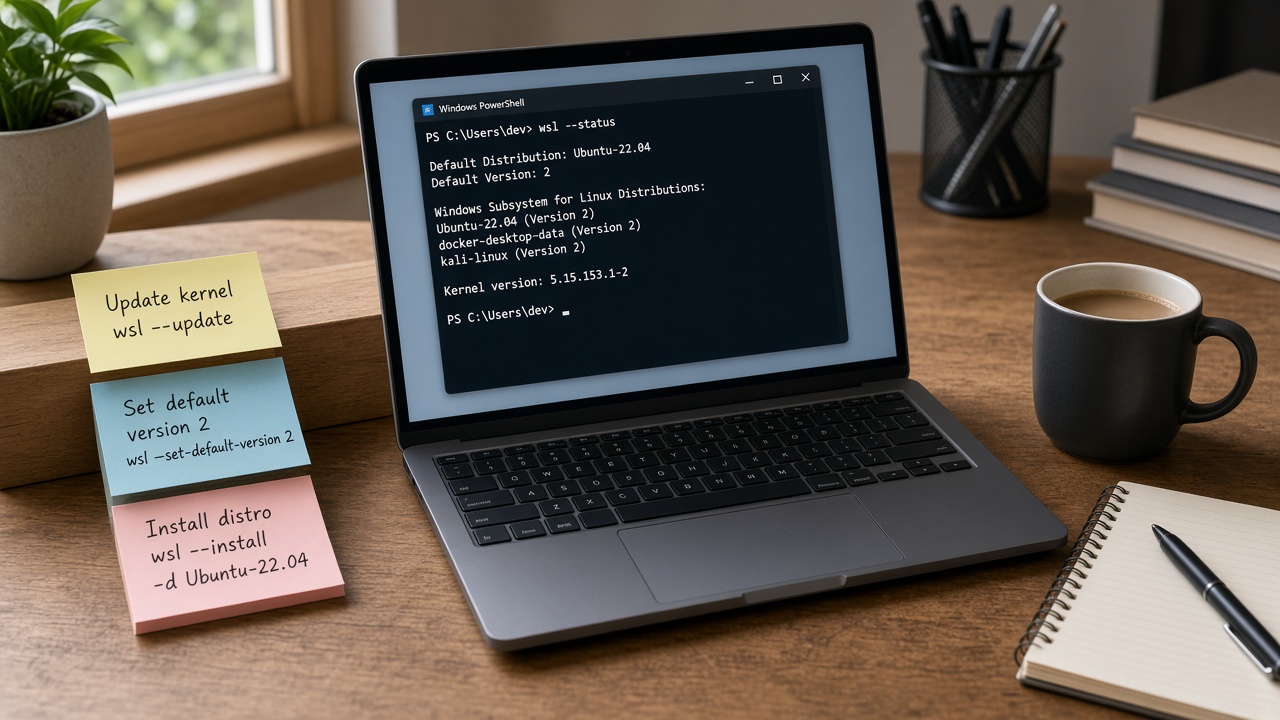
راه‌اندازی حرفه‌ای WSL2 برای توسعه

نصب WSL2، انتخاب توزیع، .wslconfig، Git، VS Code Remote و عادت‌های حرفه‌ای برای محیط توسعه لینوکس روی ویندوز.

SESoheil EbrahimpourSep 20, 2026
Operations

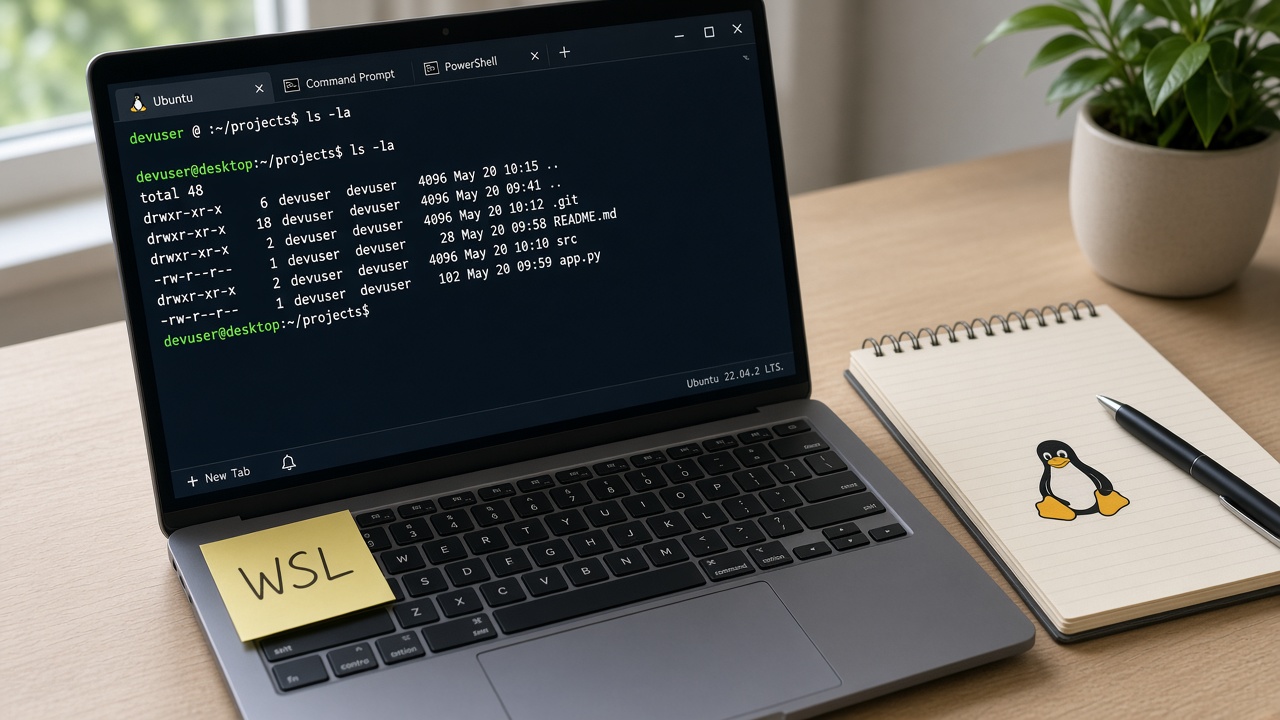
WSL چیست؟ لینوکس روی ویندوز برای توسعه‌دهنده

توضیح WSL و تفاوت آن با ماشین مجازی کامل؛ چه مسئله‌ای را برای توسعه‌دهنده حل می‌کند و چه محدودیت‌هایی دارد.

SESoheil EbrahimpourSep 20, 2026
Operations

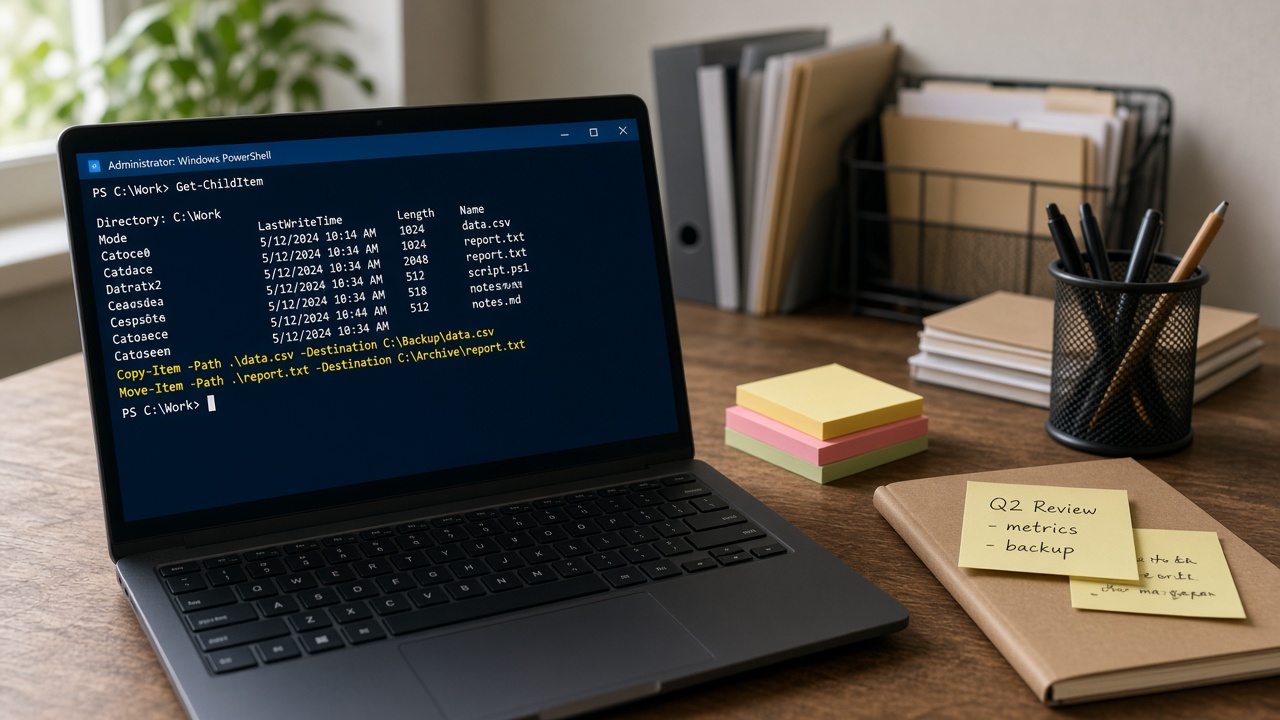
مدیریت فایل با PowerShell: از Get-ChildItem تا کپی امن

آموزش عملی مدیریت فایل در PowerShell: فهرست، کپی، انتقال، حذف امن با WhatIf، فیلتر و الگوهای اسکریپت روزمرهٔ توسعه‌دهنده.

SESoheil EbrahimpourSep 20, 2026
PreviousPage 5 of 8Next

Categories

  • All notes249
  • Software architecture15
  • Glossary37
  • Operations87
  • Product engineering98
  • Web guide12

Tags

دسترس‌پذیریGitHub CopilotPostgreSQLProduct OwnerVibe Codingcode reviewBackendCI/CDCore Web VitalsDeploymentDevOpsKanbanMySQLPIDProduct BacklogQA

Related services

  • Product engineering
  • Full-stack engineering
  • Engineering audit
  • Architecture consulting
  • Infrastructure and deployment

Tags

دسترس‌پذیریGitHub CopilotPostgreSQLProduct OwnerVibe Codingcode reviewBackendCI/CDCore Web VitalsDeploymentDevOpsKanban
All notes
Software architecture15
Glossary37
Operations87
Product engineering98
Web guide12
Clear filters
Operations

find در لینوکس: پیدا کردن فایل بر اساس نام، زمان و نوع

کار با find برای نام، اندازه، زمان ویرایش، -exec، حذف امن و تفاوت با grep و locate در لینوکس.

SESoheil Ebrahimpour
Operations

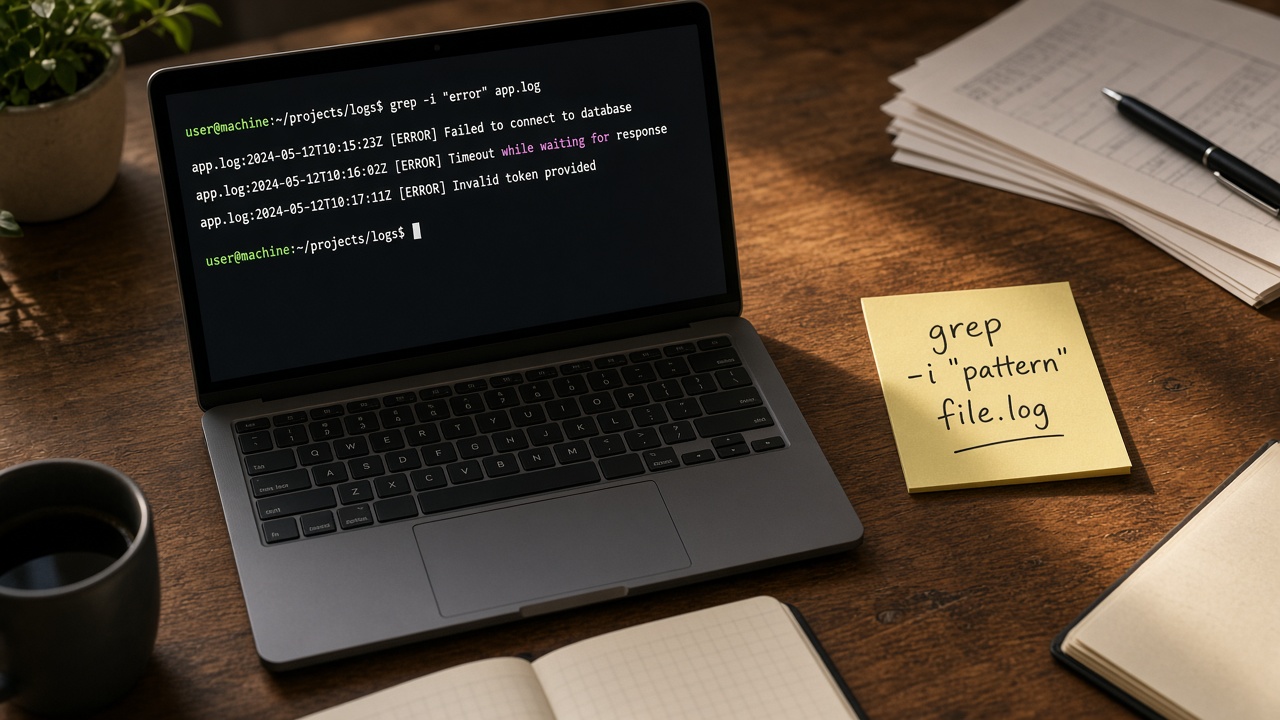
grep در لینوکس: جست‌وجوی متن در فایل و لوله

کار با grep، ERE، بازگشتی، -n، -r، ripgrep و اشتباه‌های رایج جست‌وجوی لاگ و کد در لینوکس.

SESoheil Ebrahimpour
Operations

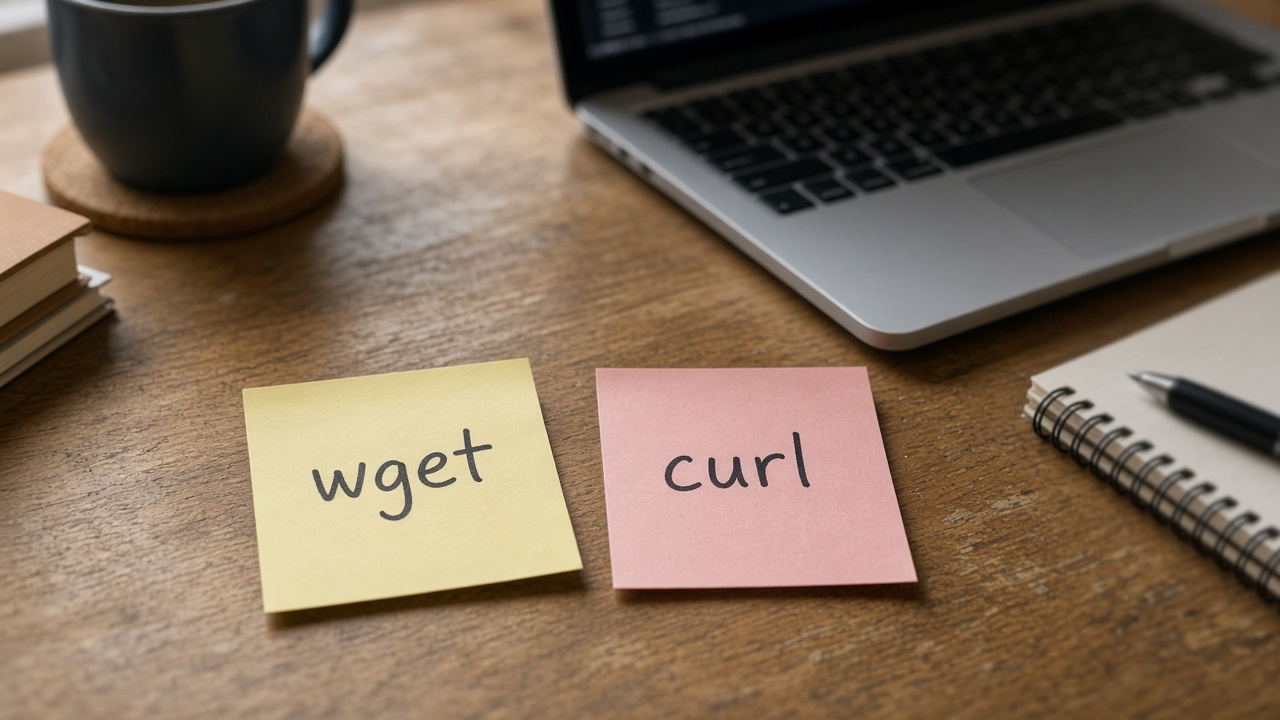
wget در برابر curl: کدام را برای دانلود و HTTP انتخاب کنیم؟

مقایسه عملی wget و curl برای دانلود بازگشتی، API، هدر، ریدایرکت و اسکریپت — چه زمانی کدام را انتخاب کنید.

SESoheil Ebrahimpour
Operations

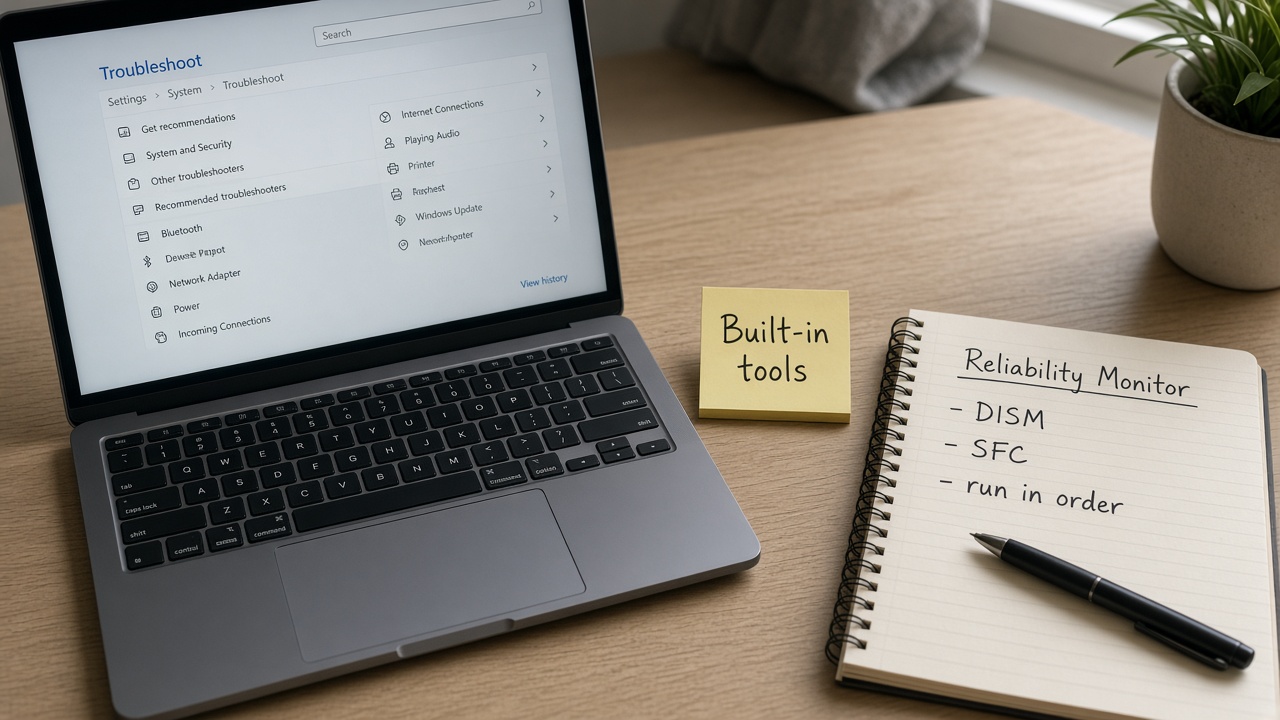
ابزارهای عیب‌یابی داخلی ویندوز که باید بشناسید

جعبه ابزار داخلی ویندوز برای توسعه‌دهنده: Task Manager، Event Viewer، Resource Monitor، sfc، DISM، Get-ComputerInfo و Troubleshoot settings.

SESoheil Ebrahimpour
Operations

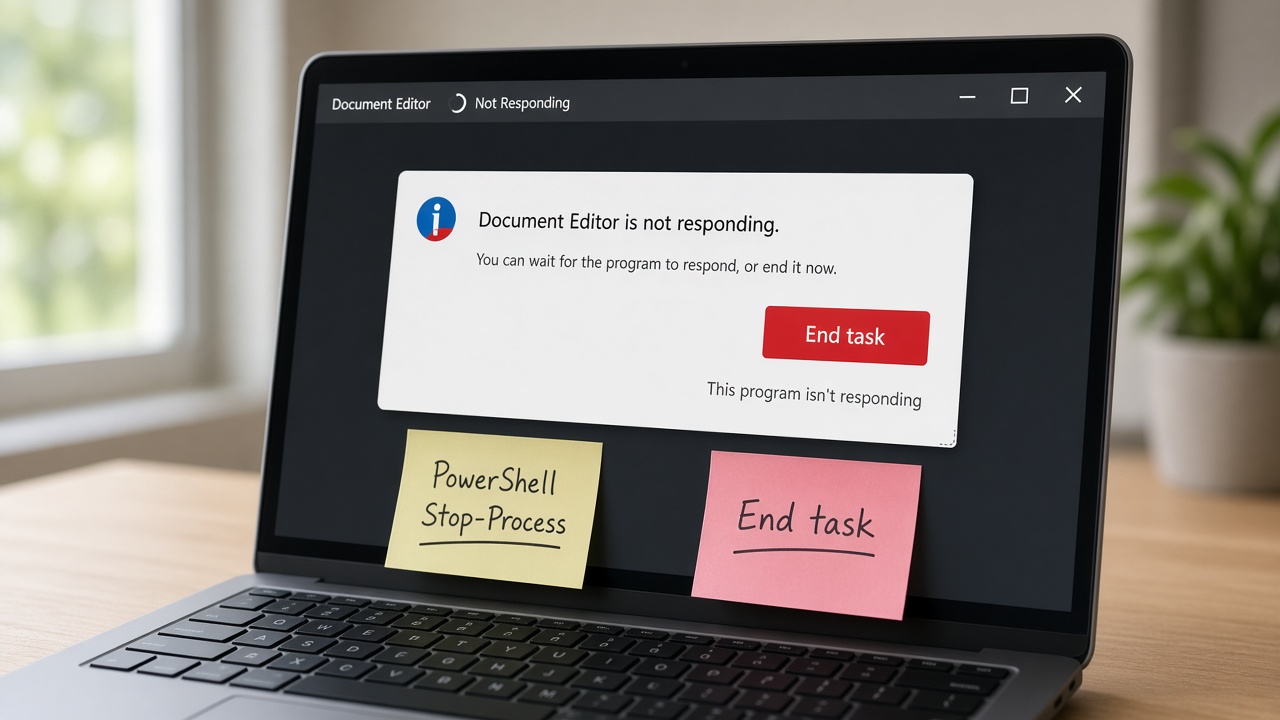
بستن اپلیکیشن هنگ‌کرده در ویندوز بدون ری‌استارت

ترتیب ایمن برای بستن اپ Not Responding: Task Manager، taskkill، Stop-Process، تفکیک سرویس و زمان ری‌استارت واقعی.

SESoheil Ebrahimpour
Start a conversation